Showing posts with label Google Maps. Show all posts

Tuesday, 15 August 2017

Staff Meeting: Holiday Destinations

This afternoon I was able to learn and refresh my learning about how I can mark destinations on Google maps. I was successful enough to choose 5-holiday destinations, mark and then add a text. Then post it online for the viewers to see. 

Click on the map to view my 5-holiday destinations.


Friday, 4 August 2017

Digital Intensive Week 2: Google Maps - Our Holiday Destinations


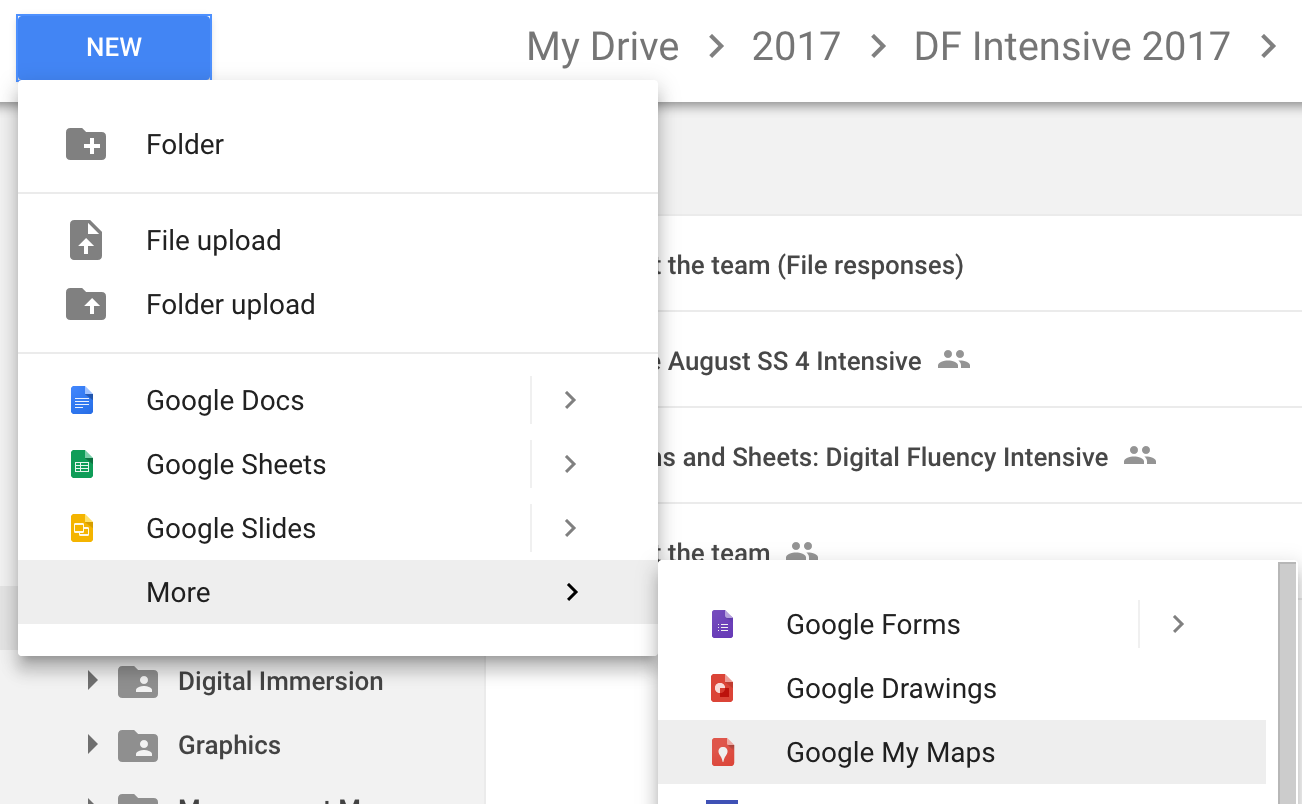
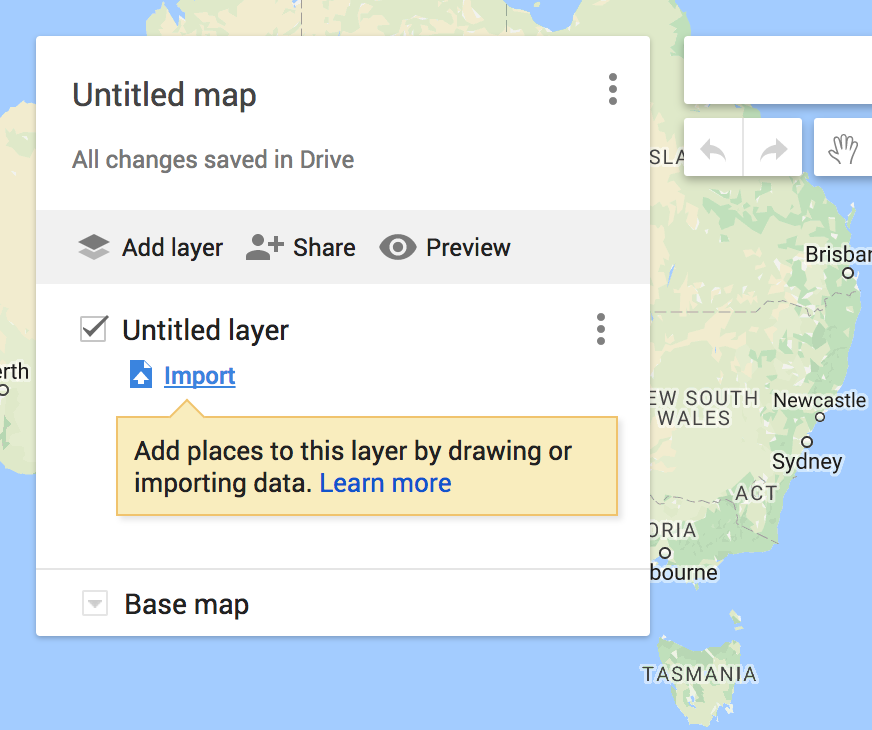
Create a map out of G Forms/ SS  mymaps.google.com


Create a map out of G Forms/ SS  mymaps.google.com


The task we were required to do was: 

Share your map on your blog

Create Map in MyMaps

  1. Open Blogger
  2. Create New Post > click HTML
  3. Go back to your map
  4. Click >  Share
  5. Change Private to Public
  6. Click Save > Done
  7. Click (3 dots) at top right side of the title
  8. Choose embed to website
  9. Copy code and paste into Blogger
  10. Click compose to view your map on your blog
  11. Preview / add text/ Post

Create your own adventure.
Want to take this create activity up to Level 2 or Trainer?


These instructions are from an international guru - Sylvia Duckworth - follow the instructions and you will do it easy as....


Description
Link
Form to play with
Instructions Doc
Choose your own adventure template
Maze style planning frame


Below is the map that I have created using Google Maps. I followed the instruction thoroughly and was able to locate the city and the country. So Changi, Singapore is my favourite holiday destination.


2026 AI_for_Awesome_Educators_Summit_Institute

 Our school principal and our deputy principal attended the workshop called '2026 AI_for_Awesome_Educators_Summit_Institute'. Our pr...